Dongles, hubs, and the dock dilemma
Three competing answers to "what plugs into the laptop" — and a recipe for picking the one that fits how you actually work.
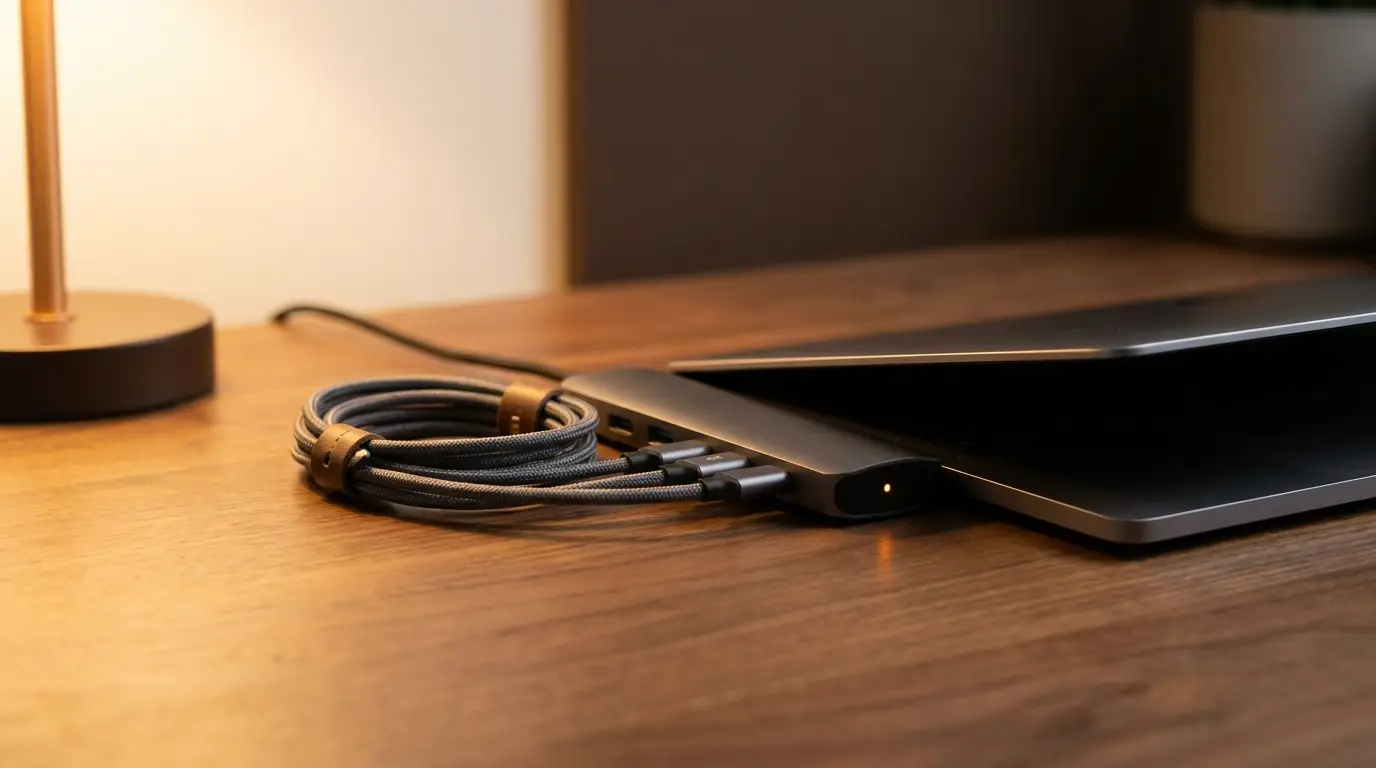
The single-cable laptop is a beautiful idea. It is also a slightly worse-than-advertised idea. The truth is that you will end up with two or three of the following: a multi-port dongle, a hub, and a dock. Picking the right one starts with how often you move.
A short taxonomy
- Dongle: small, passive, USB-C in / a couple of legacy ports out. No power input.
- Hub: a brick on a long cable with HDMI, USB-A, an SD slot, sometimes ethernet. Often passes through PD.
- Dock: a stationary box with display ports, USB-A, ethernet, audio, and a power brick that also charges your laptop. Lives on your desk forever.
The marketing blurs them. The names matter because the right answer changes per category.
When the dongle is enough
If you primarily work from a laptop screen and occasionally project, a small two-port dongle is all you need. The trap is the brand that calls it a "hub." If it does not have its own power input, it is a dongle. Pay accordingly (15–35 USD).
When the hub wins
You travel and you also use one external monitor at home. The hub goes in the bag. Look for: PD pass-through at 85W or higher, HDMI 2.0 (not just 1.4), and an MicroSD as well as a full SD slot. Avoid: chained USB-C-in-USB-C-out adapters; the negotiation breaks too often.
When the dock is the answer
You have a permanent setup: two monitors, ethernet, wired keyboard and mouse. A real Thunderbolt 4 dock with one upstream cable is the right answer. Yes, it is 200–350 USD. It will outlast three laptops. The single cable is the magic.
A few specific tips
- Always buy from a brand that publishes a firmware update path. Docks fail in weird ways, and a firmware fix later beats a return.
- Test the dock with a power-only laptop charger plugged in separately for the first week. If it works in that mode, your dock is at least power-correct.
- The DisplayLink trick — using one USB-C cable to drive two monitors via virtual GPU — is more stable in 2026 than it was. Worth considering for laptops with limited display lanes.
The honest recipe
Most setups want a hub for the bag and a dock for the desk. The dongle is a fallback for the small case where neither fits. If you only get to pick one, pick the dock — the value of the docked workstation is worth more than the convenience of a hub on the road.