How to retrofit a rented apartment with no drilling
A renter-friendly smart-home recipe — switches that snap over existing ones, peel-safe LED strips, and a hub that fits in a drawer.
If you rent, the smart-home content online is frustrating. Every guide assumes you can rewire a switch and drill into the ceiling. You cannot. The good news: in 2026 there is a complete renter-friendly setup that adds real value, takes one weekend to install, and leaves zero marks when you move out.
The setup, summarized
- One hub the size of a deck of cards, on a shelf.
- "Bridge" devices that snap on top of existing wall switches.
- A handful of smart bulbs in real lamps.
- Peel-safe LED strips with proper diffuser channels.
- Battery-powered sensors that stick on with VHB tape (residue-free).
Total cost: 250–500 USD. Setup time: a Saturday afternoon. Damage: none.
The hub
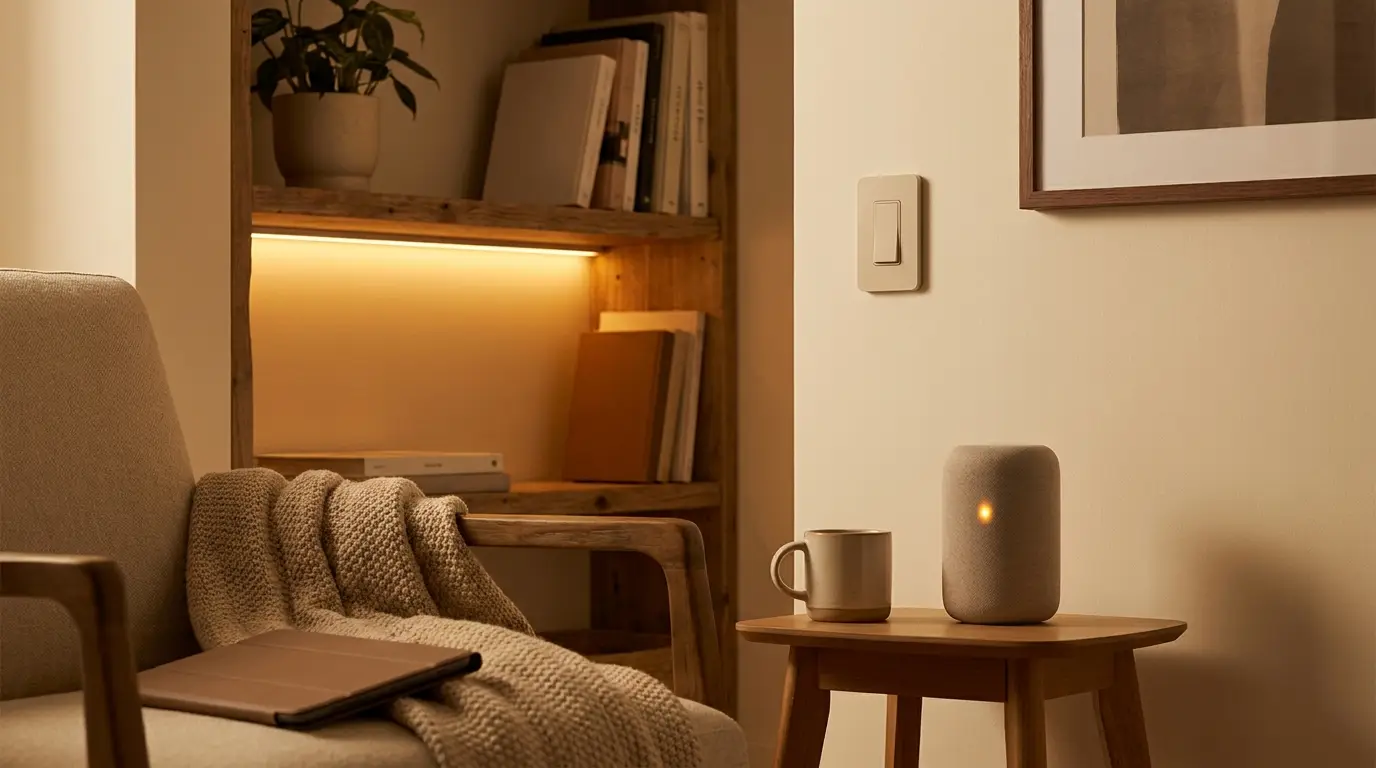
A small low-power computer running Home Assistant or another open hub. Power it from a USB-C charger. Plug ethernet into your router. That is the whole install. It lives in a drawer or behind a TV.
Why a local hub: it does not depend on the landlord's Wi-Fi being good. When you move, you take it with you. The brain of the house is portable. That is the whole renter unlock.
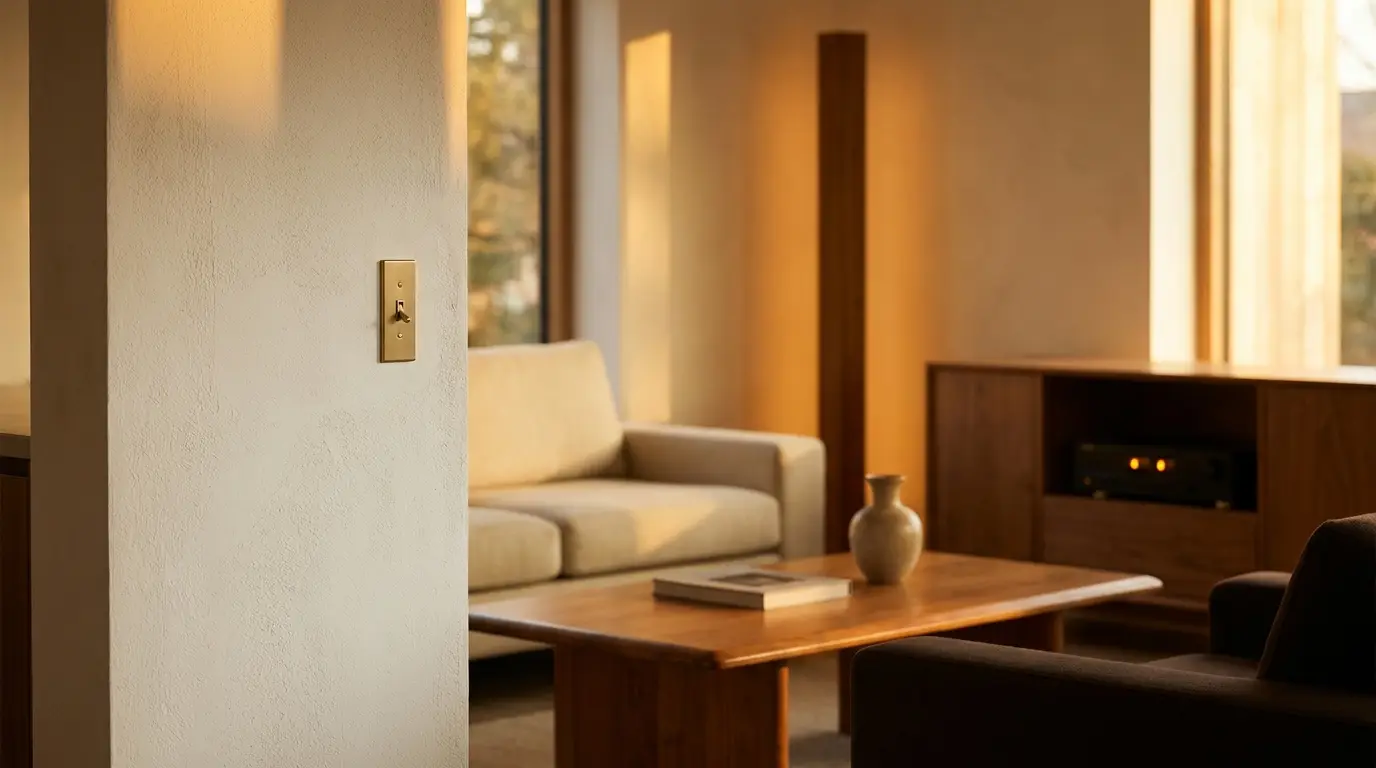
Switches that snap on top
The most-overlooked product category for renters: a smart switch that physically attaches to the existing dumb switch and presses the rocker for you. The Aqara H1, the Lutron Aurora (for some switches), the recently-shipped Sonoff TX-Ultra renter pack — all of these turn a 1970s rocker into a smart switch with no electrical work.
The result: the existing switch still works for guests, but you also get app control, scenes, and automation. When you move out, you unscrew the bridge in 60 seconds.
Bulbs without rewiring
Real bulbs in real lamps. A floor lamp with a smart bulb is more useful than 80% of "smart lighting" setups. Make sure the lamp's existing switch stays on, and use Matter/Thread bulbs. If you turn the lamp off at the wall, the bulb stops responding — that is expected.
Peel-safe LED strips
The 2026 generation of LED strips with proper aluminum-channel housing solves the renter problem two ways: the channel itself is removable (mounting clips slide off cleanly), and the strip inside it is one solid unit, not a thin adhesive thing that peels paint.
For under-cabinet, under-desk, or behind-monitor accent light, this is the right answer.
Sensors that move with you
VHB-mounted motion, contact, and temperature sensors. They stick with foam tape that comes off cleanly with a hair dryer. The ones to look for: Aqara FP2 (presence), Aqara T1 (contact), SwitchBot Hub Mini (everything else).
The total setup that travels
When you move:
- Pop the bridge switches off (60 seconds each).
- Unscrew the LED channels (no spackle needed).
- Unstick the sensors (warm them slightly, peel).
- Unplug the hub.
- Move.
In a new apartment, the same hardware reinstalls in two hours. The smart home is portable, which means it is yours. That changes the math entirely.